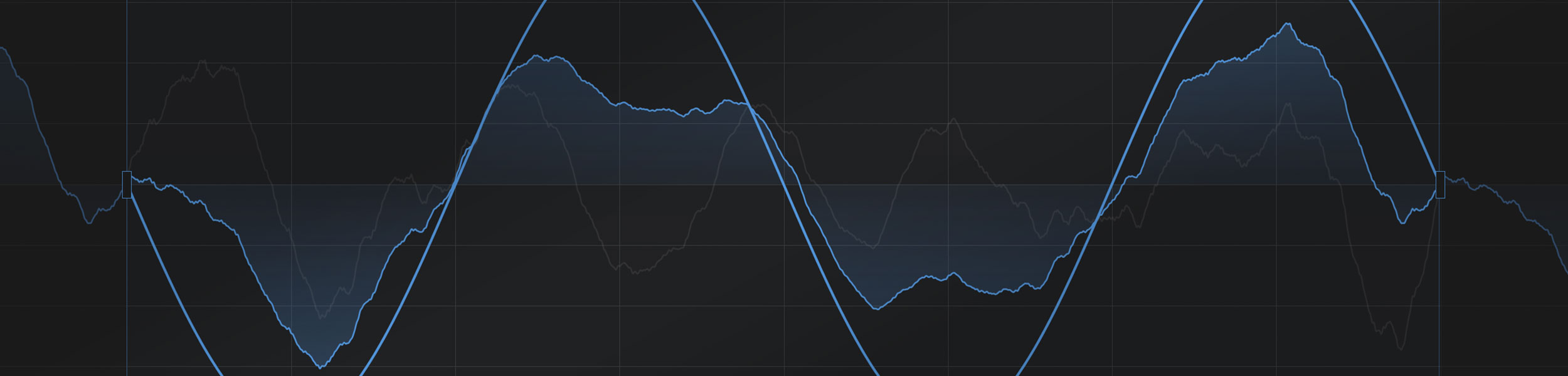
Wavetable synthesis is one of the most powerful elements of modern sound design. It can be clean and musical, rough and aggressive, gloriously weird, or anywhere in between.
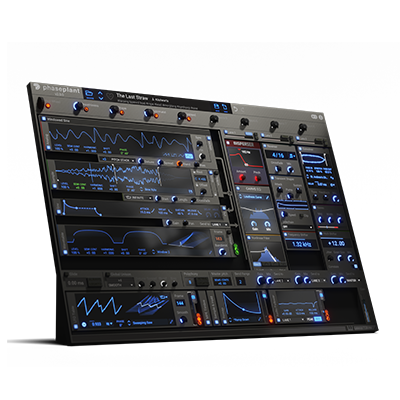
It also happens to be something that Phase Plant is very good at, and an obvious area to cover in one of our 7th Anniversary blog posts.
Wavetable stuff gets especially interesting once you start considering what makes one worth using in the first place. Different kinds of tables behave differently, and Phase Plant's built-in editor gives you a lot of control over how they are shaped.
In this area, mleuc is a very good person to talk to. He is a proper Phase Plant Power User, and his work makes a strong case for just how much range and character you can get out of well-designed wavetables.
We asked mleuc seven questions about wavetable design, the strengths of Phase Plant's editor, and the way he approaches building and using wavetables in practice.
Q. To start us off, can you introduce yourself and tell our readers a little about your work?
I'm a music producer and sound designer. I'm really proficient at the latter, but not as much at the former, so I made sound design my full-time job, which I've been doing professionally for a few years now, while working here and there on my own projects on the side. Over the years I have specialized more in raw synthesis-based sound design than in recordings or other approaches.
Q. What makes wavetables so useful for sound design?
I'd say it's the way they immediately offer good-sounding material to work with, but that's both what makes them so appealing and the main reason why some people don't like them at all.
I'm making generalizations that should be taken with a grain of salt, but unless you are working with really simple ones, which is totally valid, wavetables are usually complex in movement and dense in the spectrum. That can make FM, distortion, and similar processes a bit counterproductive, because they often remove part of what makes the wavetable interesting to begin with.
In those conditions, the best way to go in my opinion is not to do too many radical modifications but instead to push the sound further in the direction the wavetable is already heading. Some people hate that because they don't feel like they're really making their own sounds. That's where making your own wavetables comes in handy. Some people like it because it gets results faster, like using samples. In both cases there's room to mess around.
Q. What makes the wavetable editor in Phase Plant so powerful?
It focuses on essential, streamlined features that are useful in almost any situation. While other editors may have lots of weird, fancy, and surely useful but also very contextual features, Phase Plant focuses mostly on the stuff you'll find yourself doing on pretty much any wavetable.
EQ and filtering baked into the editor sound simple, but they are must-haves. Frame Blend is really useful. Copying and pasting only the phase of certain partials from frame to frame is powerful. Anchor points for modifiers, instant spectrum averaging with automatic EQ... all of this is so useful that it makes Phase Plant my main wavetable editor.
Q. How do you use different wavetables for different jobs?
There are four categories for me:
Basic: simple shapes morphing to different states. Mainly useful for typical FM synthesis and filter FM. The interest there is changing shapes quickly.
Complex: the kind I was talking about earlier. These are useful as raw material to improve on rather than to turn into something completely different.
Utility: all sorts of super simple but super specific ones for creating "warp modes" and similar wavetable manipulations. Bend plus/minus, a sort of PWM, sync or formant shifting, windowing, simple harmonic series sweeps...
Filter Tables: these are special because the phase information matters less than the spectral information does. I won't go into too much detail, but the way you make them changes because of this, which gives you both a new constraint and a new freedom.
Q. What is one killer wavetable design trick people should try in Phase Plant?
Man, I don't know, just use Phase Plant to make your own wavetables and throw them back into Phase Plant, haha. It has so much stuff in there already that you can do a lot, and even the wavetable editor itself lets you create wavetables purely from its baked-in effects.
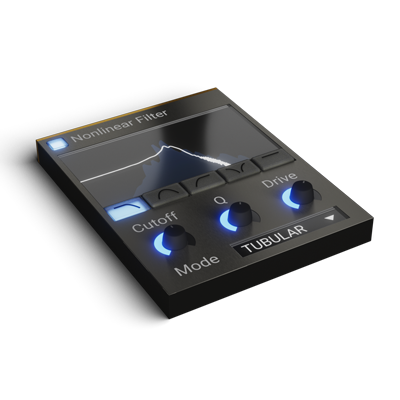
One fun thing I like a lot is using Frame Blend on something that sweeps. Typically, a really resonant narrow Nonlinear Filter sweep will sound quite different as soon as you introduce Frame Blend. It's simple, but surprisingly effective for changing the whole texture.
Q. What is one mistake people often make when working with wavetables?
Throwing random samples in and hoping they will translate into a good wavetable.
It can do the job for sure if you are lucky or know your stuff, but most of the time it sounds pretty rough for a few reasons. Mainly, the spectrum is often too dense already, and phase or pitch variations will translate as frame shifting in the wavetable, making it less stable in pitch when modulated.
Designing sounds specifically with the goal of turning them into wavetables usually gives good results much more consistently. It takes a bit of learning and a lot of experimentation, but it's really worth it.
If you want more on that mindset, there is also a great video from Mussar about Glorkglunk's wavetable work, and you can find more of Glorkglunk's own work here.
Q. What are you working on next?
Probably the next sound design gig someone hires me for. Besides that, I've been releasing free monthly content on my website, mleuc.com, and I'll continue for as long as I can. I also have some music to work on for myself, and hopefully I'll release more of it more consistently at some point.
This ever-growing list I have of sound design ideas to mess with and software to learn is also pretty time-consuming... but I love it.
Huge thanks to mleuc for taking the time to answer our questions and share a few insights into how he approaches wavetable design.
If you want to experience his mindset in action, check out the video below and subscribe to his channel for more.

If you want to find out more about mleuc's work, grab some free content, or keep up with what he's doing next, head over to mleuc.com.
And if it leaves you wanting to dive into wavetable design yourself, Phase Plant is $100 off and all Content Banks are 50% off from May 28th to June 12th.
This article is part of Phase Plant's 7th Anniversary, where we are talking to more Phase Plant Power Users about bass design, FM, MPE, game audio, cinematic work, wavetable design, and generative sound.