It’s Kilohearts Game Audio Week. As usual, we’re publishing a series of posts about game audio. For this article, we’ve gathered ideas for processing vocals from several sources, including our friends at Airwiggles, and looked at how to put them to work in Snap Heap.
Game audio includes more than designing sound effects. Processing dialogue and character voices is a big part of the work. These voices often start as regular human performances, then get reshaped into character or creature voices and placed in the game’s world. The right processing depends on the role each voice needs to play in the game.
These tips draw on our research and ideas shared by game audio designers. We hope you find something useful to try.
Plan Ahead
Before building a chain, pin down the character and purpose of the line. Is the voice in a specific location? Is it friendly or threatening? Does the player need to understand every word, or is the sound more important than the content?
Record several performances, especially if the line will be heard repeatedly during the game. Small differences in delivery give you more options when you build variations.
Process the voice in Snap Heap
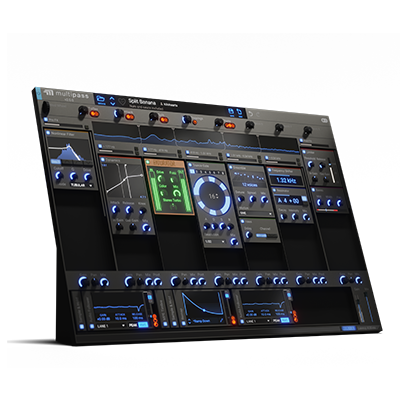
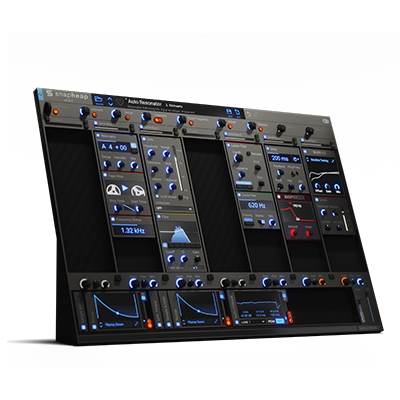
Layering is a straightforward way to give a voice more character. Snap Heap has seven lanes, so you can combine several versions of the same voice in one patch: keep one clean, pitch another, and add distortion or modulation to a third. Set adjacent lanes to run in parallel and blend them with each lane’s mix and pan controls. After the parallel lanes are summed, pass the combined signal through another lane for shared EQ, saturation, or reverb. This finishing stage can help the layers feel like one voice.
When a line carries important information, keep some of the original voice audible. Blend the clean or lightly processed version with the more unusual layers so the character comes through and the words remain clear.
Filters and EQ are useful for shaping a voice. Snap Heap includes Filter, Formant Filter, Comb Filter, and EQ Snapins. Each changes the sound in a different way, so add them one at a time and listen to what each one contributes.
Pitch Shifter is a vocal-processing staple, but it can do more than make a voice lower or higher. Blend a shifted layer with the original to add weight, or combine multiple shifted layers for a more unusual character. Try Frequency Shifter for a less natural-sounding result.
For a raspier, more synthetic voice, try Ring Mod around 15–55 Hz and add some slow random movement. Blend in distortion and a pitch-shifted layer at about half wet.
Ensemble and Chorus can add a wavering, multi-voice quality that works well for ghosts, spirits, or characters who seem to speak from several places at once. Put these treatments on parallel lanes so you can control how much of each one you hear.
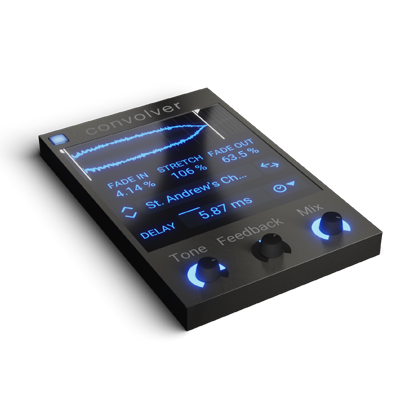
Finally, if the game engine doesn't already handle it, use Snap Heap to shape the voice’s location. Panning, EQ, reverb, and delay can suggest where a character is speaking from. Convolver is especially useful here.
Add control and variation with macros and modulation
Snap Heap has eight macro controls, and each can be mapped to several parameters in a patch. That makes it easy to adapt one processing chain for different characters or locations. For example, map a macro to reverb and EQ settings to move the same voice between spaces. Or, for a family of robots with a shared DNA, use macros to adjust pitch and formants for each character whilst keeping the rest of the processing the same.
For subtle variation between repeats, use a Random modulator to move a few parameters over time. Set a slow rate and full smoothing, then assign it to controls that can vary without changing the performance too much, such as filter cutoff, frequency shift, or effect mix. Keep the range small so the voice stays consistent while still sounding varied.
The Kilohearts modulation guide explains the Random modulator’s Rate, Smooth, and Chaos controls. Listen to several repeats in a row; if the voice starts to sound inconsistent, reduce the modulation range.
You can also let the performance drive the effects. An Audio Follower reacts to the voice’s level, while a Pitch Tracker follows its pitch. Map either one to distortion, a filter, or an effect mix so changes in the performance alter the processing. Adjust the modulators’ parameters to control how quickly and strongly they respond.
Save and Share. Reuse and Recycle.
One useful feature of Snap Heap is how easy it is to save and reuse a setup. Once you've found a processing chain that works for a voice, save the patch and keep it in your toolkit. You can also share it with peers and colleagues so they can adapt it for their own projects. They only need a Snap Heap license to use the patch as intended, even if they don't own the premium effects used in it.
For extra flexibility, you can also load Snap Heap as a Snapin inside any of our hosts: Snap Heap, Multipass, or Phase Plant.
Learning from the community
We recently started a thread on Airwiggles to discuss vocal processing for games. Many of the ideas in this article were inspired by insights shared by people in that thread. Join the conversation and share your own tips.
Thanks to Junki Kim, Shachar Dahari, Lewis Thompson, Hinoki, Sabrina Fedele, Presley Hynes, Greg Lester, Hugo Bastien, and Danny Runciman for joining the discussion and sharing their thoughts.
Airwiggles co-founder Greg Lester is a Snap Heap power user. He made this short AirCon video to show how he uses it to process voices:

Greg Lester demonstrates his Snap Heap vocal-processing setup at AirCon.
Greg also made a set of presets to go with the video. Download the Snap Heap Vocal Processing Library.
We’re running a voice-changer challenge as part of Game Audio Week. These tips may help you build your entry. Read the contest brief.
This article is part of Kilohearts Game Audio Week 2026, a series of interviews, practical ideas, community stories, and tools for people working in game audio.